
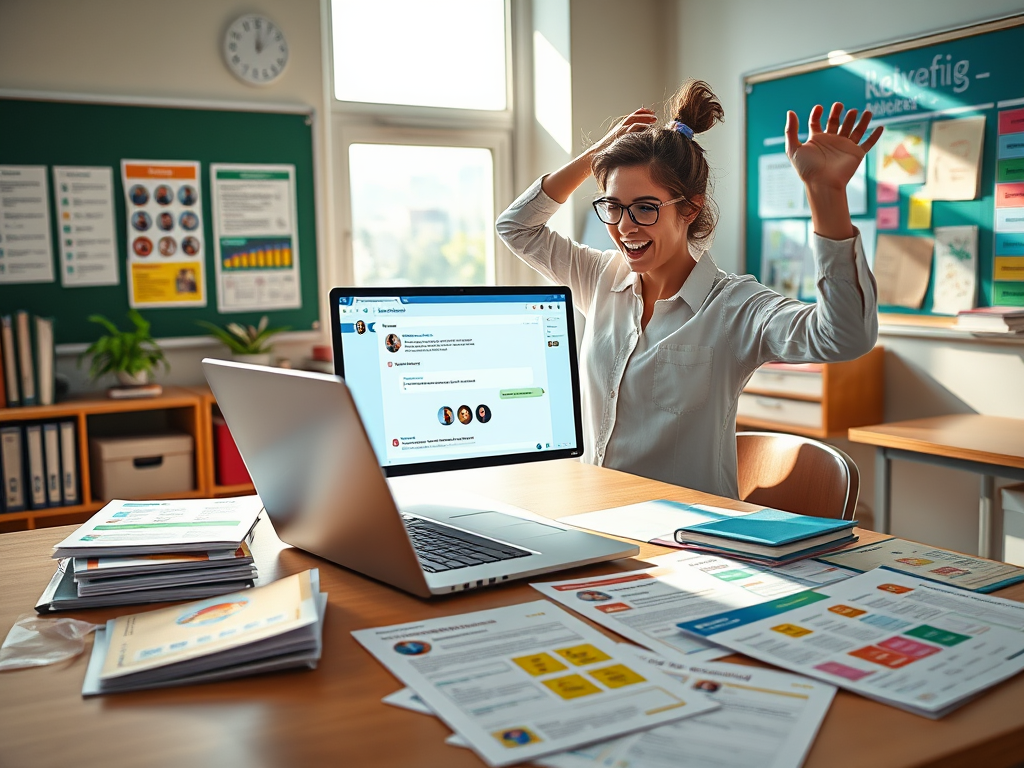
Teachers, imagine cutting your workload in half while making your classroom materials look professional and exciting! 📚✨
Thanks to the power combo of ChatGPT and Canva, you can now create stunning lesson plans, worksheets, posters, and much more — faster and smarter than ever before.
Let’s dive into practical, ready-to-use ideas on how you can use ChatGPT + Canva together for an effortless teaching experience:
📋 1. Lesson Plans
- ChatGPT: Quickly draft differentiated lesson plans based on topics, student levels, or learning styles.
- Canva: Format your plans into beautiful, reusable PDF templates to share with colleagues or students.
🎨 2. Classroom Posters
- ChatGPT: Generate key learning points, classroom rules, or motivational quotes.
- Canva: Turn those texts into bold, eye-catching posters using icons, colors, and creative layouts!
✏️ 3. Student Worksheets
- ChatGPT: Create scaffolded questions, exercises, or short-answer tasks effortlessly.
- Canva: Design printable or digital worksheets with clear, visually appealing layouts that engage students.
🧠 4. Warm-Ups or Exit Tickets
- ChatGPT: Generate quick review questions, prompts, or reflection starters.
- Canva: Build a reusable slide deck or card set for daily classroom activities like warm-ups or exit tickets.
✅ 5. Assessment Rubrics
- ChatGPT: Create rubrics that are aligned with learning objectives or standards.
- Canva: Organize your rubrics into neat, editable templates that you can update anytime during the year.
🃏 6. Flashcards & Study Aids
- ChatGPT: Draft vocab lists, Q&A sets, or simple concept definitions.
- Canva: Turn that content into printable flashcards or attractive study posters for revision time.
📊 7. Behavior Charts or Trackers
- ChatGPT: Brainstorm classroom behavior goals, incentives, or tracking criteria.
- Canva: Create visually appealing behavior charts for the walls, folders, or students’ portfolios.
📑 8. Slide Presentations
- ChatGPT: Outline lesson slides or generate text content for presentations.
- Canva: Build branded, polished presentations with consistent fonts, visuals, and flow for an engaging classroom experience.
🌟 Why This Combo Works Like Magic!
Using ChatGPT saves you hours of writing and brainstorming, while Canva makes sure everything you create looks visually professional — without needing any design experience.
It’s truly the ultimate teacher’s power toolkit in 2025!
#EdTechMagic #TeachingMadeEasy #ChatGPTForTeachers #CanvaInTheClassroom #TeacherHacks #CreativeTeaching #EduInspo #21stCenturyTeaching #SmartTeachingTools #CanvaXChatGPT


Leave a comment